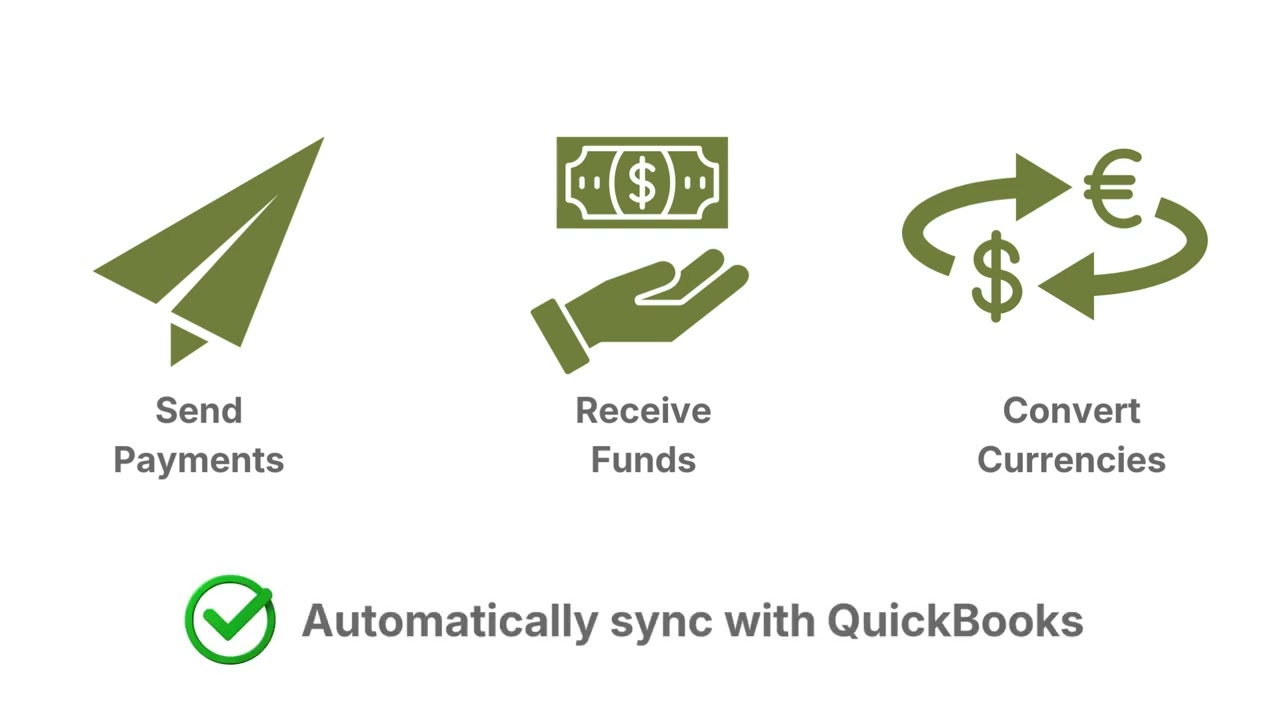
Send, receive, and convert currency at better value - right inside QuickBooks.
Castle Currency works alongside your QuickBooks workflow and adds the missing piece: a structured approach to global transactions that keeps your books clean, your decisions better, and more of what you earn where it belongs.
If your team makes international payments or converts currency when it's convenient (an invoice is due, accounting says so, or month-end arrives) your results are largely at the mercy of whatever the market is doing that day. Saving a few points on spreads is fine, we can do that. But if you want a meaningful difference in your bottom line, we also help you improve how and when those decisions get made.
No Monthly Fee
Markup
Trusted by Businesses

Partner Silver
Simple by Design
How It Works
Import your bills from QuickBooks.
Your existing vendors and bills come in automatically. No manual data entry, no changes to how your team runs accounting.
Convert, send, and receive globally.
Convert currency between your accounts and pay foreign vendors across 200+ countries. Receive foreign payments into your company-named account. Both sides of your currency activity handled in one place.
Get a structured approach, not just a transaction.
Get expert guidance on how and when to convert through our free daily conversion strategies and subscription weekly hedging strategies - designed to protect your margins and improve your bottom line.
A note on wording: QuickBooks calls these Vendors in the US and Suppliers in Canada, the UK and other regions. The CastleFX platform uses Vendors. All three mean the same thing - the businesses you pay.
Plan requirement: multi-currency in QuickBooks Online requires Essentials or higher and is not available on the entry-level plan. Enabling it is permanent.
Making Foreign Payments from QuickBooks
Paying a foreign vendor is a single currency event. You owe in a foreign currency, you pay in a foreign currency, and the exchange difference settles the moment the payment goes out.
Your vendors and open bills import directly from QuickBooks with the vendor, amount, currency, date, and due date already attached. Nothing is retyped and nothing is guessed - what you see is what your accounting system already holds.
Select the bills you want to pay, request a live quote, and review what you send, what it costs, and the rate applied. Accept it and the payment goes out. If the rate does not work for you, close the quote and come back later. You can also require approvals before any payment is committed, on every payment or only above a threshold you set.
Once payments are complete, select them and send them back to QuickBooks in one click. Each bill is recorded as paid at the actual rate you achieved, with the exchange gain or loss posted for you. No journal entries, no chasing rates after the fact.
Receiving Foreign Payments into QuickBooks
Incoming foreign payments work a little differently from outbound payments - here is what to expect.
When a foreign customer sends payment to your multi-currency company-named and numbered account, you receive an email confirming funds have arrived. Record the receipt in QuickBooks against your open customer invoice, depositing to your foreign currency bank account. This closes the receivable immediately, even if you are not ready to convert yet.
When you decide to convert, you create a vendor bill in QuickBooks, import it into the CastleFX platform, and process the conversion. CastleFX posts the completed conversion back to QuickBooks with the actual rate, clearing the account and recording the exchange gain or loss automatically.
The timing is yours. Some clients convert the same day. Others hold foreign currency for weeks because they have upcoming foreign payables or are waiting for a rate that works for their budget. The workflow keeps your books accurate either way, and we walk you through the full setup as part of your onboarding.
What's Included
What You Get
- Import bills from QuickBooks and pay foreign vendors directly - completion data writes back automatically
- Receive foreign payments into your company-named account. When funds arrive you receive an email notification and we walk you through recording the receipt against your open customer invoice in QuickBooks.
- Transparent pricing with no setup fees, no monthly fees, and no hidden markups
- Global coverage across 200+ countries and all major currencies
- Forward contracts available for rate certainty up to 24 months
- Convert between your own bank accounts without relying on bank rates
- Trusted infrastructure through a Fortune 500 financial provider
- Free daily conversion strategies included with every account
Who It's For
Built for businesses that...
Built for businesses converting $50,000 or more annually - if that's you, let's talk.
Common Questions
Questions We Hear Often
How does CastleFX integrate with QuickBooks?
Once approved, CastleFX connects to your QuickBooks Online account via secure authentication, no IT required. Import your vendors once, then pay foreign bills directly through the platform. Completion data including the exchange rate and reconciliation detail writes back to QuickBooks automatically. When foreign payments arrive, you receive an email notification. From there a simple workflow lets you match the receipt to your open customer invoice in QuickBooks, keeping your receivables accurate without complex accounting steps. We walk you through the full setup as part of your onboarding.
Do I need to leave my bank?
No. Keep your bank for banking - bring your currency activity to us. We want you to transact smarter. Get clear currency strategies, daily guidance on when to convert, forward hedging to manage risk, and yes, great rates. No setup fees, no monthly fees, no commitment, and expertise no bank offers.
Does it cost anything to start?
No setup fees. No monthly fees. You pay only for transactions you process. Where possible, CastleFX uses local electronic transfers to avoid wire fees on both ends, reducing your total transaction cost further.
What countries and currencies are supported?
Send, receive, and convert across 200+ countries and all major world currencies. Receive foreign payments into your company-named and numbered account in multiple currencies.
Can you help with risk management?
Yes. Forward contracts are available to lock in rates for up to 24 months. Get free daily conversion strategies with your account and subscribe to weekly hedging strategies to help improve your bottom line. One-on-one consulting is also available if you want expert eyes on your specific situation.
Is it secure?
All transactions are processed through our Fortune 500 financial provider with bank-grade security and full compliance controls. The platform is available 24/7.